
How to Search Civil Dockets
Superior civil matters start with the official Georgia Courts E-Access directory. It lists Warren Superior and sends you to re:SearchGA, where an account is required. Enter the full clerk-supplied case number when you have one. A party name works too, though common names can pull broad results. The provider guide offers Cases and Hearings tabs, sorting, and Case Details.
Stop searching Superior if the claim belongs somewhere else. Warren Magistrate Court handles civil claims up to $15,000, dispossessory matters, and personal-property foreclosure. The court offers no online Magistrate search. Instead, call 706-465-2227 or 706-465-3123. Visit 521 Main Street, Suite 104. You can also ask the office how to send a written request.
- Identify Superior, Magistrate, Probate, or city court as the custodian.
- Follow Georgia E-Access and select Warren Superior for a Superior case.
- Search the full case number first, then a carefully spelled party name.
- Open Case Details and review filings, documents, hearings, parties, and status.
- Ask the clerk for a plain or certified copy when the document is needed.
Warren Civil E-Filing Milestone
Warren County made e-filing mandatory for all Superior civil actions on January 1, 2019, per the county's official Clerk page. Georgia Courts' current e-filing provider chart agrees, marking Warren Superior mandatory in the PeachCourt column.
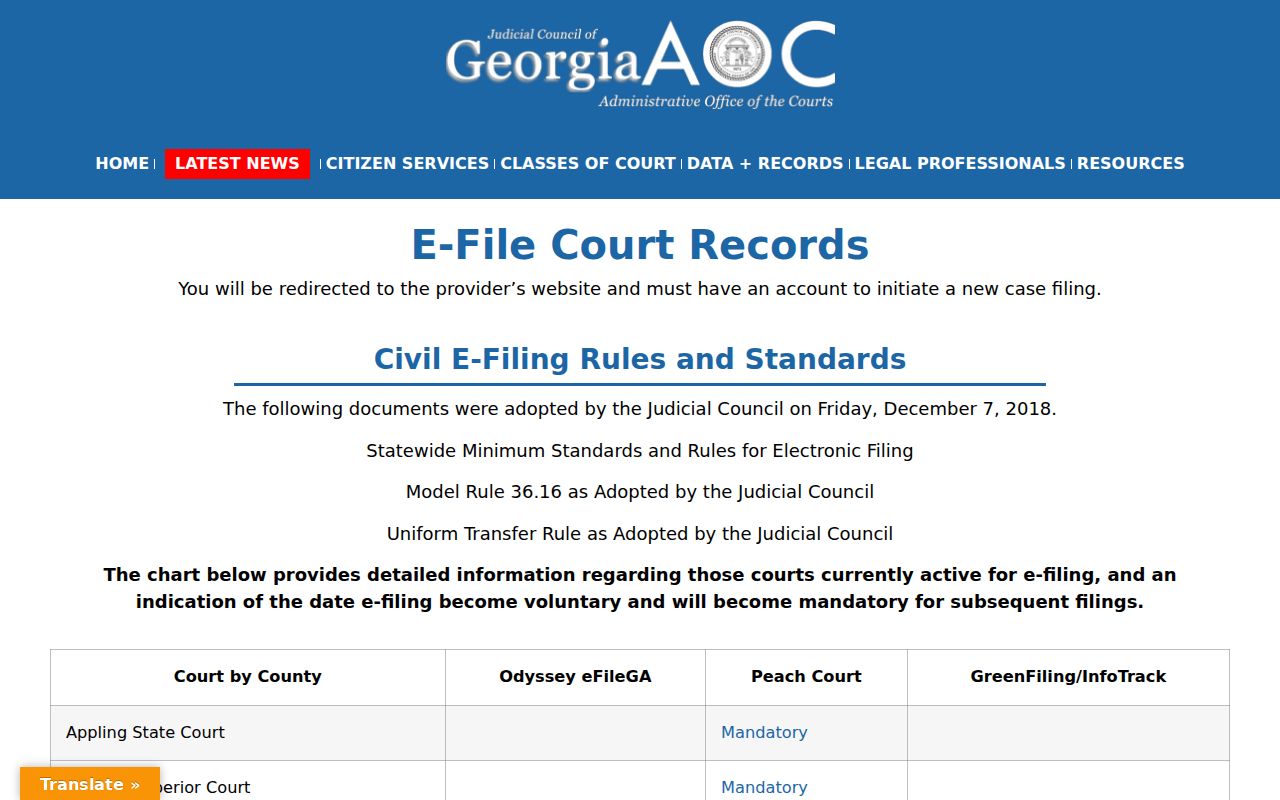
That chart confirms the filing route, not a free public docket. PeachCourt takes civil filings. It can provide document access. re:SearchGA serves as the public case-index route. The Warren Superior Clerk keeps official authority over the record.
The date matters for tracing newer Warren County civil dockets. A newer Superior case should have an electronic filing path. Older paper records and restricted documents may still need direct clerk help. So may files from another Warren court.
What a Civil Docket Shows
A Warren County civil docket can list the case number, type, filing date, court, judge, caption, parties, attorneys, filings, hearings, and outcome. Entries range from a complaint or petition to service, answer, counterclaim, amended pleading, motion, notice, scheduling event, order, dismissal, default, judgment, or appeal notice. The provider may link related cases or public images. What appears depends on what Warren and the provider publish.
| Case Number | Use the exact number from the clerk or a prior filing. Warren’s format is not published. |
|---|---|
| Parties | May list plaintiff or petitioner and defendant or respondent roles. |
| Filings | May identify complaints, answers, motions, notices, and orders by date. |
| Hearings | May show a hearing or setting where available. |
| Outcome | May show dismissal, default, judgment, consent order, or another disposition. |
The re:SearchGA guide supports this structure. It does not promise every field is filled. When a status changes the meaning of the case, read the entry beside the filed order.
Two Warren Civil Docket Systems
PeachCourt and re:SearchGA do different jobs. re:SearchGA locates public Warren Superior cases and displays available Case Details. PeachCourt is the mandatory filing channel for Warren Superior civil actions and a route to eligible images. Neither replaces the clerk's authority over the official record.
| Need | Start here | Purpose |
|---|---|---|
| Locate a public case | E-Access / re:SearchGA | Search index and hearings |
| Submit a Superior filing | PeachCourt | Send filing for clerk review |
| View an eligible image | PeachCourt | Purchase available document access |
| Get an official copy | Superior Clerk | Obtain plain or certified record |
A hit in the public index does not make the pleading free. An image can be unavailable, restricted, unscanned, or carry a vendor charge.
Types of Civil Cases on the Docket
Superior Court holds broad civil jurisdiction, including major civil actions, divorce, and property disputes. Warren Magistrate Court is the local channel for smaller claims at or below its stated limit plus dispossessory proceedings. Probate files form a separate docket. Pick the court first, or you may read a false "no result" as the answer.
- Contract, tort, property, and other broad Superior civil actions
- Divorce and public domestic-relations entries, subject to protection rules
- Magistrate civil claims up to $15,000
- Dispossessory and personal-property foreclosure proceedings
- Probate, estate, and guardianship matters held by Probate Court
The official listings show no separate Warren State Court. When a familiar case category will not surface, ask which Warren court received it rather than guessing.
Warren Civil Document Access
The PeachCourt home page identifies the filing and document-access system for Warren Superior civil work.
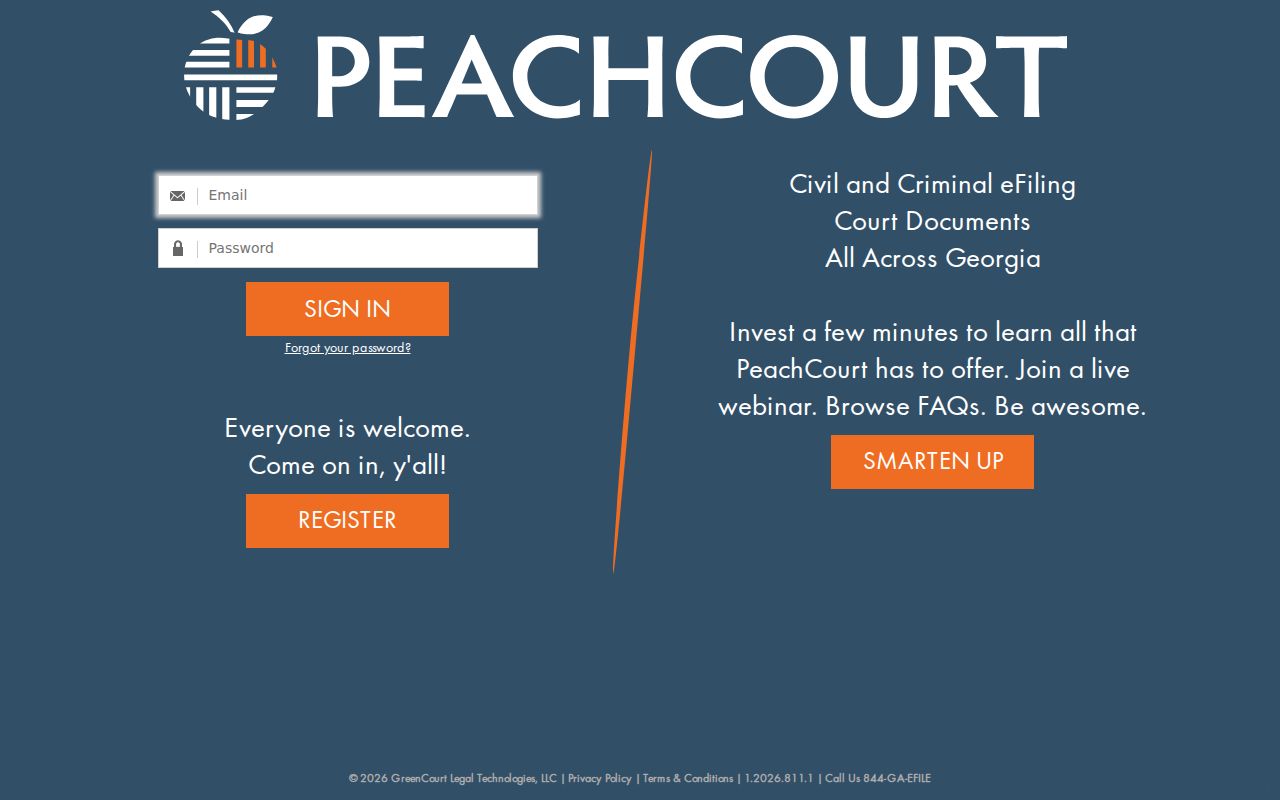
The interface matters after the Warren County civil docket identifies a filing. Published terms set $2 per document, $0.50 per page, and a convenience fee of 3.5 percent plus $0.30. Those are vendor fees. Warren County's clerk copy schedule is separate and unpublished.
A filer of record may get free access to civil e-filed documents in that filer's own case under vendor terms. Manual records may still cost. Sealed items, adoption records, and unexecuted proposed orders are excluded. Ask whether a missing item is restricted, paper-only, unscanned, or available another way.
Settings and Hearings on Civil Dockets
A civil setting might involve a motion, status conference, case-management step, bench hearing, or trial. It is not always the final hearing. re:SearchGA's Hearings view may supply a setting. Meanwhile, the Superior Clerk manages Warren trial calendars. The county posts no complete daily civil calendar.
Write down the date, court, hearing type, and latest related order. Then confirm the setting with the clerk at 706-465-2262. A continuance can change the Warren County civil docket after an earlier notice. So can a scheduling order. The Warren County court calendar explains how to compare a docket entry with court confirmation.
A reset does not dismiss the case. A motion entry does not show how the judge ruled. Read the later order, judgment, or dismissal line before treating a setting as the outcome.
Warren Civil Filing Accounts
PeachCourt offers a registration route for the account used in filing and document access.
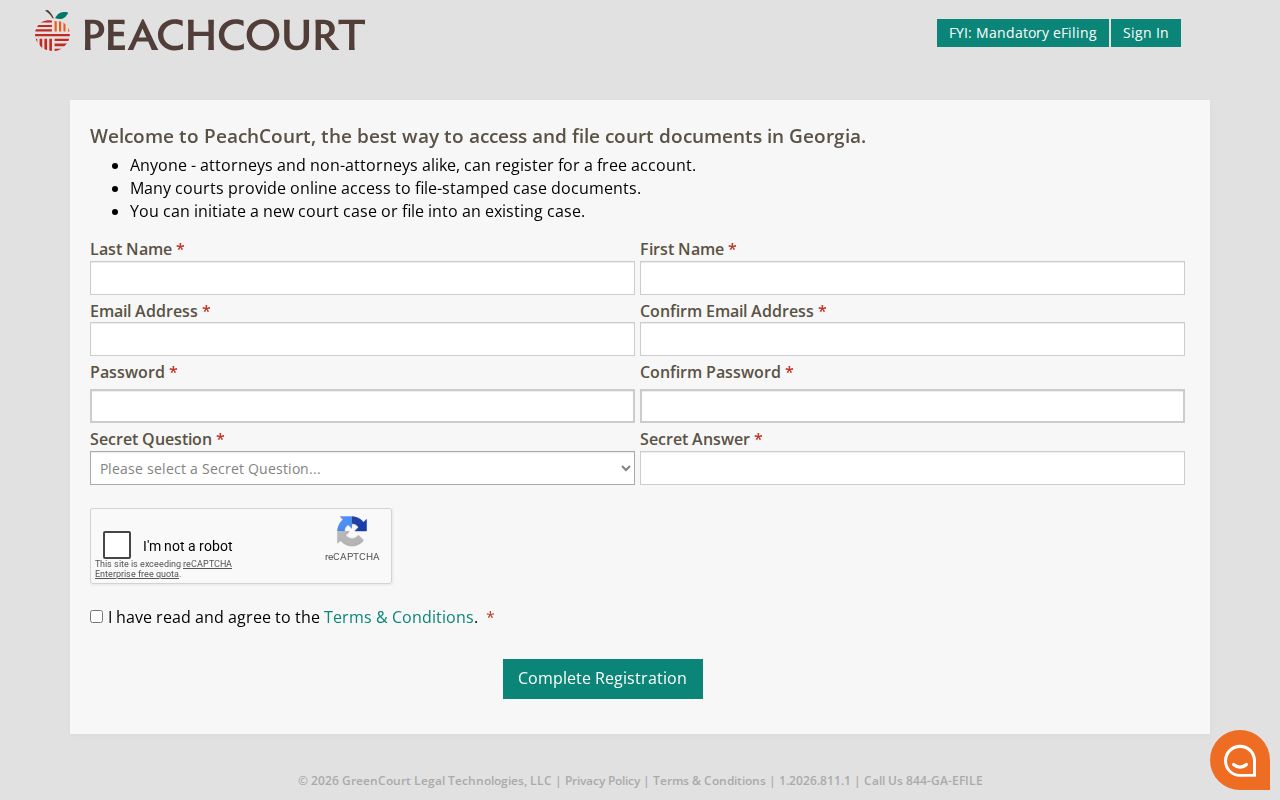
Setting up a filing account is its own task, separate from a Warren County civil docket search. The PeachCourt registration screen walks a filer through choosing the county and court, linking an existing case by number or party name, uploading papers, arranging service and payment, and sending everything to the clerk for review. The www address opens the same account process.
One point deserves repeating. Clerk acceptance is only a filing step, not a seal of approval, and a certified judgment in Warren County still has to come from the clerk of court.
Public Access to Civil Dockets
Warren Superior civil records open to the public under Uniform Superior Court Rule 21. That rule is the baseline. A court may still close access. But closure takes a motion, a hearing, and written findings. Some details must be shielded regardless. Rule 21.6 and O.C.G.A. § 9-11-7.1 require protected identifiers and certain family-violence or stalking information to be redacted or otherwise protected. So a docket entry that anyone can read does not promise full access. An attachment behind it may not be open. Read the entry as a public index, not a pledge of full access.
Georgia civil access rules:
Uniform Superior Court Rule 21 governs public access and limits.
Rule 21.6 and O.C.G.A. § 9-11-7.1 address protected data and redacted versions.
Georgia Open Records Act guidance explains inspection, copying, redaction, exemptions, and custodian requests.
Warren Superior civil records live with Cynthia Cheeley-Lazenby, Clerk of Superior Court. Her office sits at 521 Main Street, second floor, Suite 201. It also takes mail at P.O. Box 227, Warrenton, Georgia 30828. Ask the clerk about mail requests, older paper files, and certification before you send anything.
Missing Warren Civil Documents
A Warren County civil docket entry can prove a pleading or order exists while showing none of its text. Start with the court itself. Does the entry carry a document action? Then check PeachCourt for the Superior civil filing. If no image appears, write down the case number, the entry date, and the exact description before you contact the clerk.
Plain copy: A reproduction without clerk certification.
Certified copy: A copy attested by the official custodian.
Docket entry: The dated index line showing an event.
Filed document: The complaint, answer, motion, order, or judgment behind that line.
GSCCCA eCertification lists Warren Superior and Warren Juvenile as participating courts. It does not show Warren's fee or turnaround until you log in. Local copy rates go unpublished, so ask for a written estimate and say whether the recipient needs a plain, certified, or exemplified copy.
Warren Civil Docket Certification
A Warren civil docket entry can become an official record. The clerk's counter is the way to do it. Bring specifics. Hand over the case number, the filing date, and the exact document. Do not ask for the whole file.
A good written request names the court, the case number, the document title, and the docket date. Say which form you want: a plain copy, a certified copy, or an exemplified copy. Ask up front about the current Warren fee, search time, redaction, postage, and accepted payment methods. The official Warren sources do not publish those local amounts. If the file is old, ask a question. Does the document still sit on paper, or must it be pulled from storage?
Before you pay, get the delivery options and the expected turnaround in writing. One caution applies here. Vendor document access cannot substitute for the clerk's certification. Any copy that must carry official weight should come from the clerk.