
Searching Cases by Name
For a Warren County Superior case, start at the Georgia Courts E-Access directory. Its Warren Superior entry sends you to re:SearchGA. An account is required. The vendor guide supports searching by party or attorney, first name and last name. A common name can return many results. Check the court, the case type, the filed date, and the case number before you open a record.
- Identify the court first. Felony, divorce, and major civil matters point to Superior Court, while other case types can belong to another custodian.
- Follow Warren Superior from the state E-Access directory. Use the Cases tab and select the name or keyword path the live interface offers.
- Enter the most complete name available. Narrow results with court or case information only when that control is shown.
- Sort and compare results, then open the case description for Case Details. Check parties, case type, filed date, and hearings.
- Confirm a match through the clerk before requesting a copy or relying on a setting.
Which fields the provider makes mandatory is not stated anywhere in the guide. Treat any field rules you hear as unconfirmed until the clerk or the vendor says so.
| Field label | Type | Required | Officially established use |
|---|---|---|---|
| Cases | Tab | No | Opens case-index searching |
| Search By | Dropdown | Unspecified | Exact Warren choices were not exposed |
| Keyword or name | Text | Unspecified | Party and attorney name searches are described |
| Advanced | Control | No | Opens added search controls |
| Sort By | Dropdown | No | Newest date, oldest date, or case number |
Warren County Case Search Route
Warren County has no single portal for all its courts. Georgia E-Access is the state's routing layer for Warren Superior. It is not a countywide database. Its listing points users to the Tyler re:SearchGA provider. That provider keeps Cases and Hearings separate. A result row opens either Case Details or a hearing dialog. The official E-Access directory shows the state-run starting point for the Warren County case search route.
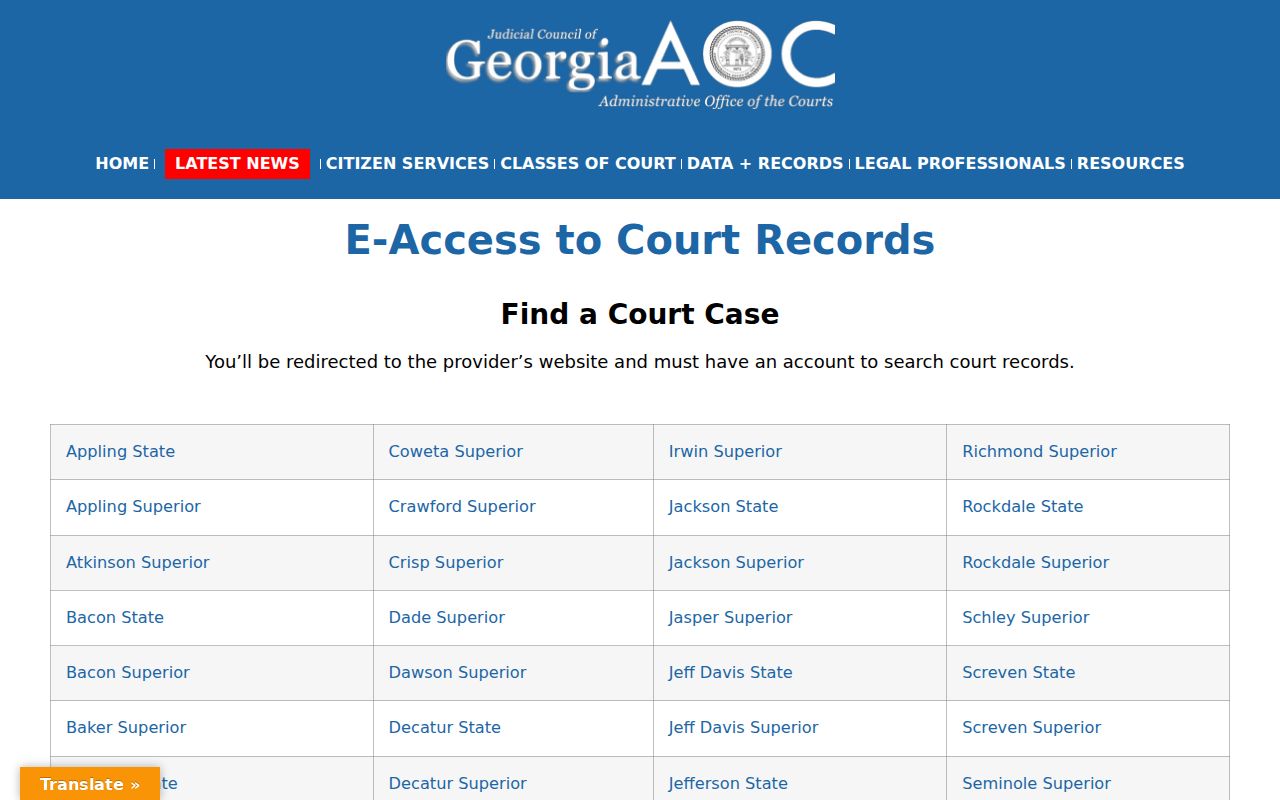
The directory confirms which courts participate and where the provider routes you. It does not promise that every Warren record, image, or lower-court matter will appear there, so the local clerk remains the backstop.
Searching by Case Number
A full number is the best key for a Warren County case search. It avoids common-name matches. Enter it exactly as it appears on a pleading, notice, order, or clerk receipt. Warren County publishes no official local number pattern of its own. The sample 2019-CV-012345 comes from statewide eFileGA help. It should not be treated as Warren's confirmed format.
PeachCourt warns that a criminal matter can redirect to a later number. An indictment replaces the unindicted case. An old number can send you to a new one. Follow it. Transfers and other procedural changes can also create cross-references. Keep both numbers when you contact the office. Confirm any redirect with the Superior Clerk.
When a Superior number is incomplete or rejected, call Cynthia Cheeley-Lazenby's office at 706-465-2262. The clerk can also tell you whether an older record predates the online index.
Warren County Advanced Case Search
The advanced route on re:SearchGA does not always load for the public. A blocked page is common. The quick reference names the controls you will see. They include Advanced, Hints, Search, Reset, Clear, Go, and EXPORT RESULTS. What it does not confirm is Warren-specific date limits. It also omits result caps, required fields, and total years of coverage. The Search By options also stay unreadable in that view. The advanced-search route remains the exact provider address. That address is documented for the system.
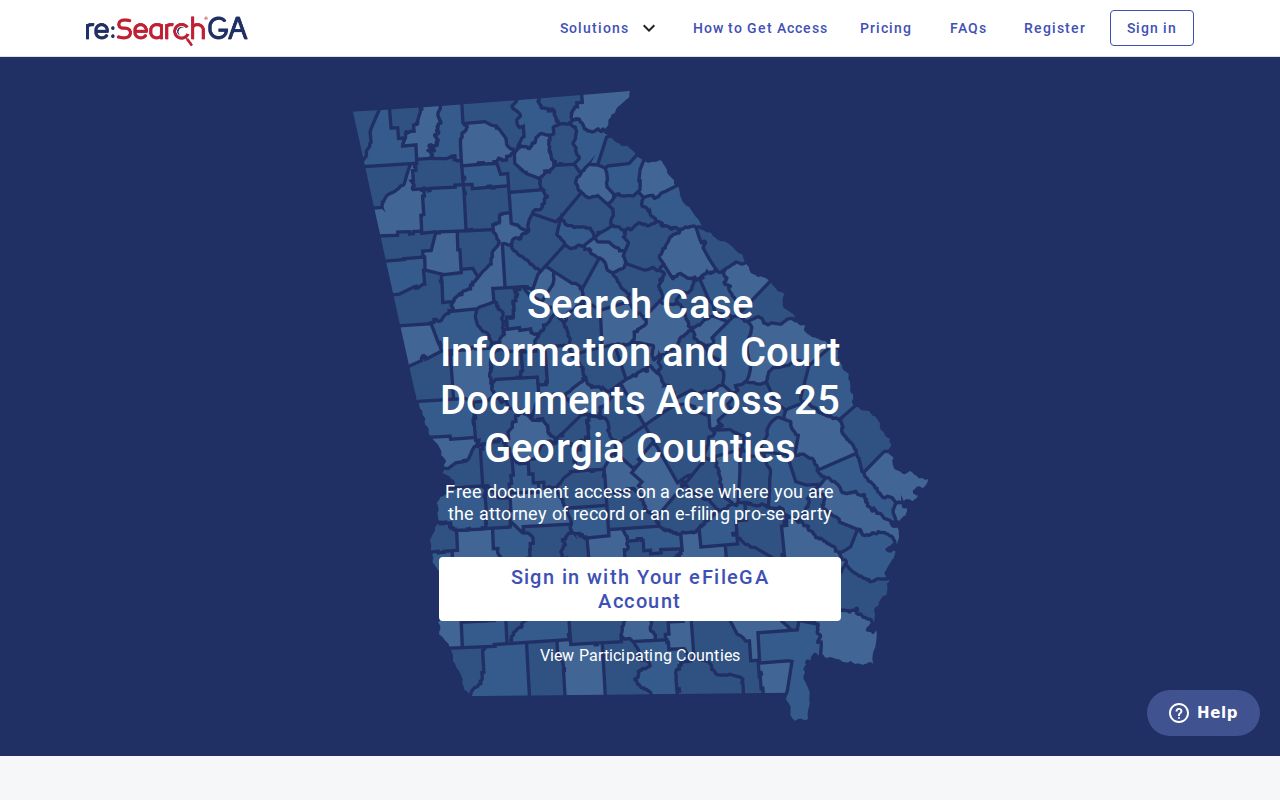
A blocked or blank page is a channel problem, not proof that no case exists. Try the directory route instead, verify the court, and call the clerk who holds the file.
Best fallback: Use the full number, check the right court, then ask the clerk for the latest docket entry and next setting.
What a Case Search Returns
The vendor guide describes a result model, not a live private Warren record. A case description can open Case Details. There you may find parties, attorneys, judicial officers when available, filings and documents, hearings, and a case summary. The guide also covers printing the summary. It covers setting alerts, saved folders, sharing links, and filing actions. Which fields actually appear varies by case.
| Case number | The unique search key supplied by the court; the Warren format is not published. |
|---|---|
| Case description | The caption or identifying description that opens Case Details. |
| Case type | The court's classification, which helps separate civil and criminal results. |
| Parties and attorneys | Names and roles shown when public and available. |
| Filings and documents | The docket list and any document links the provider makes available. |
| Hearings | Settings shown when the case and court supply them. |
No Warren status-code list, disposition list, or full financial field set is published. Read the latest filed order instead of treating a short status label as the final result.
Warren County Case Search Documents
A public case-index result is not a filed image. It is not a certified court record either. re:SearchGA can locate a matter and show the structure of Case Details. PeachCourt is Warren Superior's mandatory civil filing route. It also offers document access. Filing access does not mean every docket is open or free.
PeachCourt's public terms list general charges of $2 per document and $0.50 per page, plus stated payment terms. An e-filer may get complimentary access to civil e-filed documents in that filer's own cases. Manual and criminal documents can still carry charges. Local clerk copy fees, identification needs, payment methods, and turnaround times are not published, so ask the office directly. The re:SearchGA case-search home illustrates the provider layer used for Warren Superior.
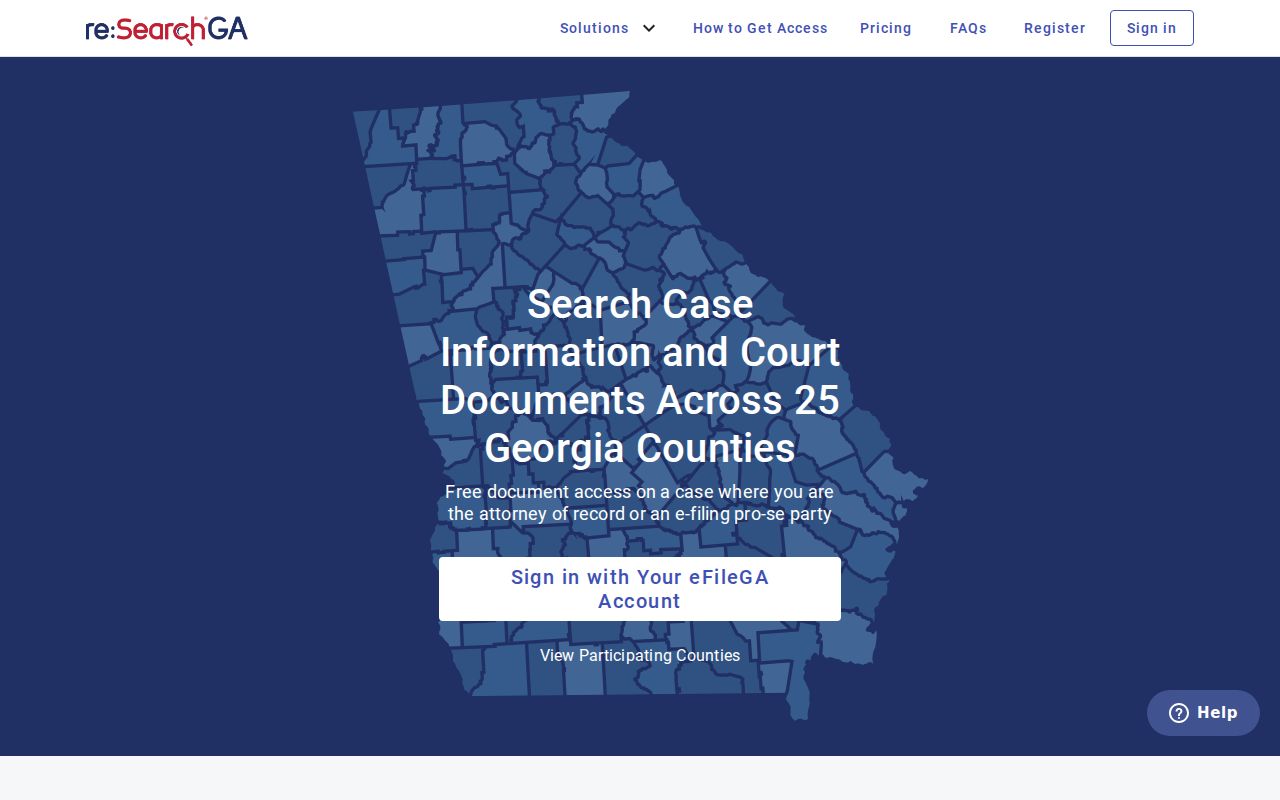
Use the public index to find the case. Then request a certified or plain copy from the office that holds the original file.
Statewide vs County Case Search
Statewide and local solve different parts of a Warren County case search. The statewide route points to one provider. The local clerks hold the authoritative files. Georgia E-Access covers participating case records through that provider. There is no separate Warren State Court in the official local listings. So ask which Warren court actually received a matter that carries that label.
| Georgia E-Access and re:SearchGA | Warren court custodian |
|---|---|
| Routes Warren Superior public searches | Identifies records for that specific court |
| Can show Cases, Case Details, and Hearings | Confirms the current docket and copy process |
| Requires provider access and may omit records | Handles paper, older, sealed, or nonparticipating matters |
| Best for locating a known Superior matter | Best when online search fails or a certified copy is needed |
Probate/Magistrate answers at 706-465-2227 or 706-465-3123. Warrenton Municipal Court runs through its city clerk and the JusticeONE ticket route. Norwood and Camak list official city contacts but no city-specific public docket portal.
Warren County Cases Across Courts
One case can travel across several Warren County courts. A Warrenton state-law violation may begin in Municipal Court. It can then get bound over to Superior Court. Before a Superior felony docket entry appears, a Magistrate warrant may already be on file. So may a first appearance, bond event, or preliminary hearing. Each court keeps its own records. The same case can carry different numbers depending on where it sits. So a Warren County court docket lookup in one system may miss the early chapters of a case. Another office holds those.
The useful search flow is: initial court record → receiving Superior case → later hearing or disposition. Search both numbers when the clerk identifies a transfer or indictment. An appeal creates another docket in the Georgia Court of Appeals or Supreme Court of Georgia, while the Warren docket may show the notice of appeal or record transmission.
That split causes plenty of dead ends. A searcher with the right name can still query the wrong court, the wrong case number, or the wrong stage of the case in Warren County.
Access and Restricted Cases
Georgia Superior Court records start from a presumption of public access under Uniform Superior Court Rule 21, though a statute or court order can close all or part of a file. Rule 21.6 covers protected identifiers along with family-violence and stalking information. What a public search returns may be a redacted record, a file missing a protected document, or no ordinary result at all.
Juvenile files sit in their own restricted category. JDEX serves authorized users only, so it is not a public Warren County case search. Sealed, adoption, and similar protected items may be unavailable or simply absent from the provider. A missing result proves nothing about whether the case existed or how it ended.
Ask the responsible clerk which order, authorization, or request method applies. Never ask for protected identifiers in a public response. Access to a sealed judicial record runs through a court order, while the Georgia Open Records Act governs the public records an agency holds, subject to that law's exemptions.
Warren County Case Search Failures
A failed Warren County case search calls for a new path. Retyping the same broad name will not help. Check the spelling. Check the person's role in the case, since that field trips up many lookups. Confirm the court: Superior, Juvenile, Probate, Magistrate, or municipal. If PeachCourt shows a redirect, try the complete case number. Add both an earlier and a later criminal number.
- Ask whether the record predates the online index or remains paper-only.
- Check whether the case is sealed, restricted, juvenile, or held by another court.
- For a Warrenton citation, use the municipal ticket route rather than Superior search.
- Ask for the latest docket entry, next setting, and plain or certified copy process.
When an official portal returns no match, the clerk is the final routing point. Bring the court, the full case number, the rough filing period, the case type, and the party's role. That combination works far better than a name alone.